NEW tahdah layout launching Tuesday 27th January
23.01.26tahdah has designed a new layout for the system which several of its customers are already using. Mountain Training will switch to the new layout on Tuesday 27th January which you will see when you log in to your account. Before then we wanted to show you what it looks like.
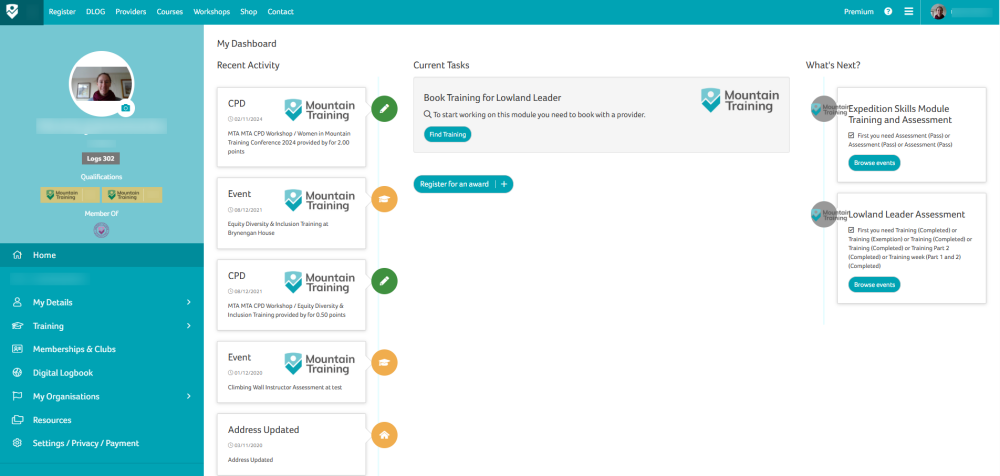
Initially, the only change you should notice is that the candidate account navigation options are now, on a desktop, down the left-hand side of the screen.
Large screen view:
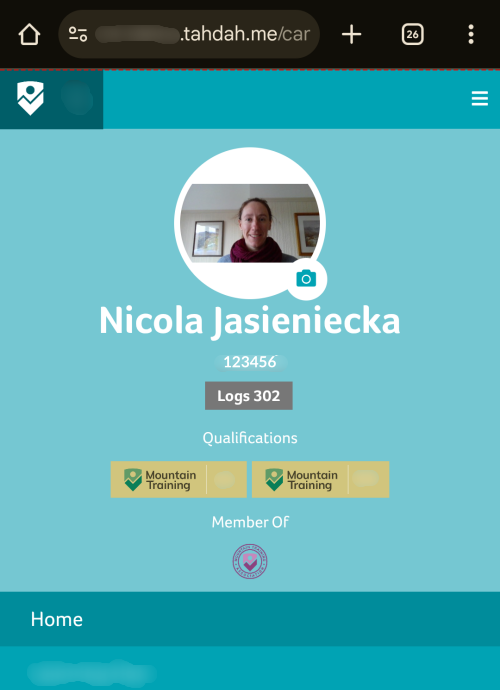
Mobile view:
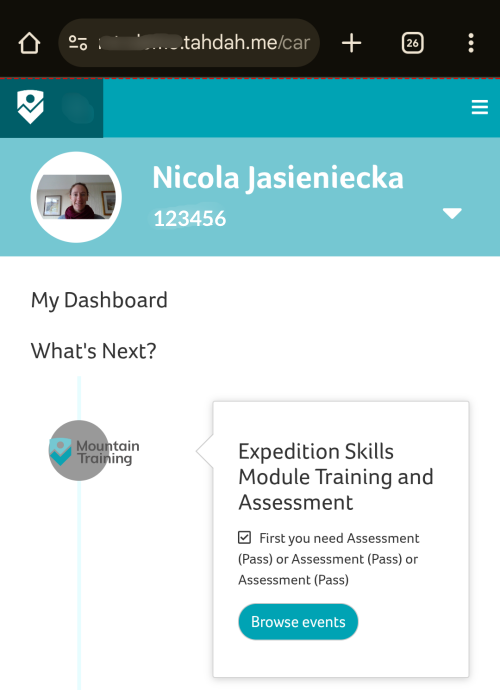
On a mobile, the candidate account menu, your photo, gold badges and association badges are accessed by clicking the small down triangle level with your candidate ID.
On a mobile, the ‘burger menu’ in the top right corner remains the way to access the navigation items that appear across the top on a desktop. And in DLOG on a mobile, the options to add an entry and view records are accessible by clicking the small down triangle level with your candidate ID.
The next phase of development, following hot on the heels of the new layout, will involve managing the MTA mentor and mentee application and training process through tahdah.